This project was built with Next.js and uses The Movie Database API. For premium features, we securely store your email and subscription status to verify access.
This tool is for personal and non-commercial use only. Do not use it to duplicate or distribute copyrighted films. Uploading, selling, or sharing unauthorized copies of movies may violate copyright laws in your country. Always respect the rights of original creators.
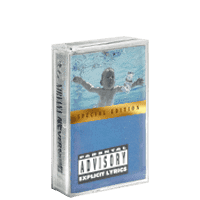
This J-card Generator is the fastest way to make an insert for your cassette tape cases. Use the search to look up albums, or paste in a Spotify/Youtube playlist to instantly pull in the songs. The generator will divide your playlist into two sides automatically.
How to make J-Cards
Search for an album, or paste a link ☝️ to your spotify/youtube/etc playlist in the searchbar
Also, you can hit the “Layout” button at the top left to do double-sided printing, as well as customize the backflap for various cassette box styles.
Note: if you use double-sided printing, the back size prints larger intentionally. This is because when you cut out your double-sided paper along the front-side, the back side will have some extra padding or “bleed” so that you don’t end up with white borders on the back.
Fun Tips
Use up to 8-panels so you can fit more lyrics and imagery.
Click on the "Decals" tab and pop-in some stickers to give it the right vibe
Add your playlist from Youtube or Spotify by pasting it in the searchbar.
Paste your own lyrics or notes into the text blocks for long-form text that flows across your booklet's folds as you add them.
Select "Shortback" in the "Layout" section if your cassette case has a shorter back flap.
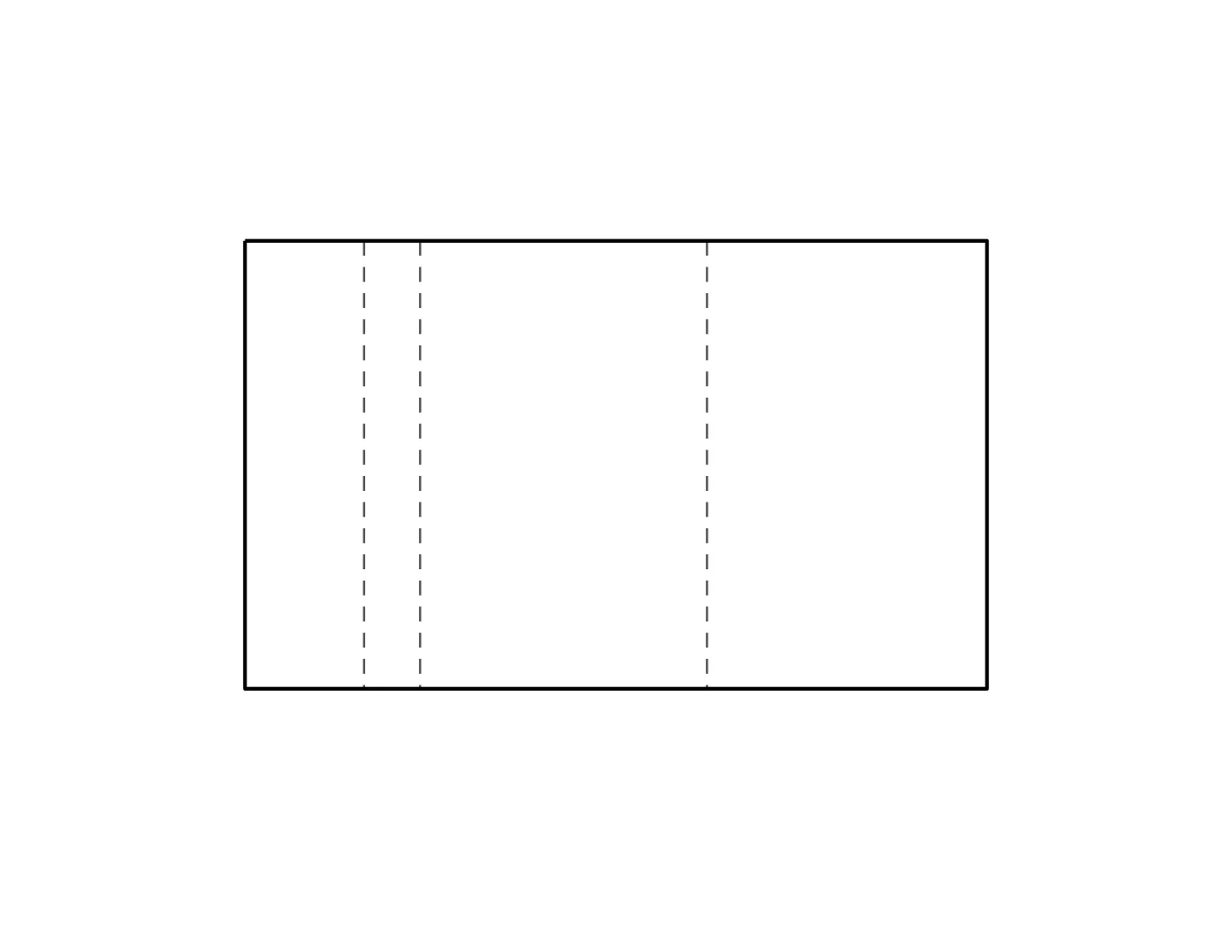
Bonus: Free cassette J-card template (PDF)
Here is a blank cassette J-card template if you don't want to use the design tool above, or just want a template to edit in Photoshop, Illustrator, GIMP, etc. You can also use it to test your printer without wasting a lot of color toner or ink.