Betamax Label Maker
Make printable labels for VHS tapes

Betamax Label Generator
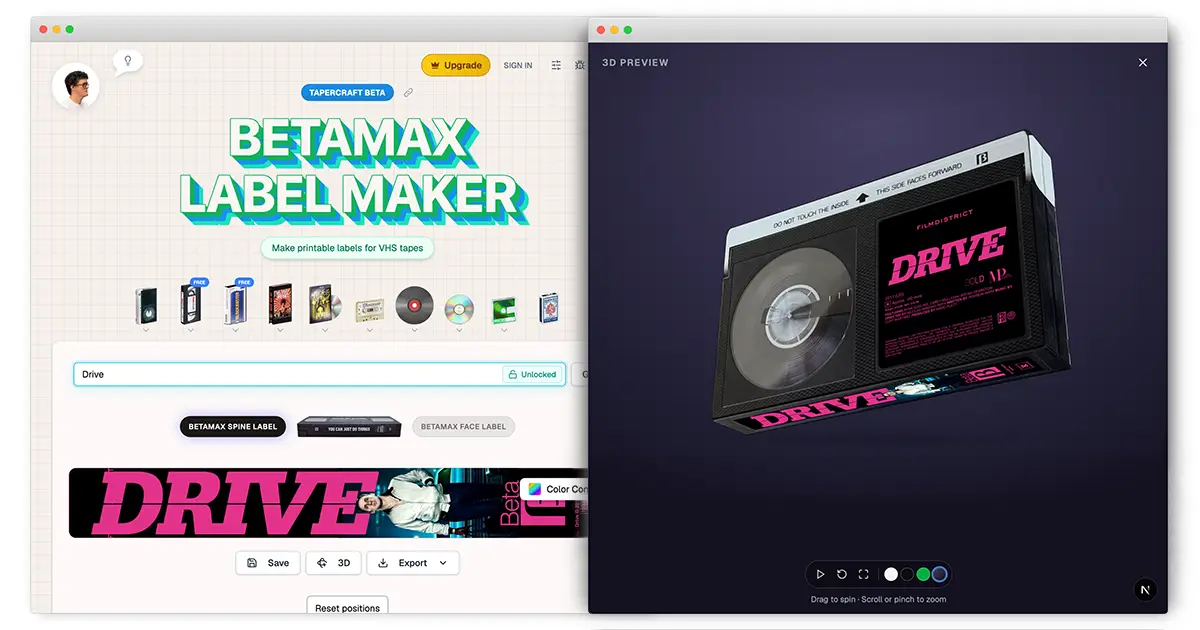
This is the fastest way to make Betamax tape labels. Search from thousands of movies and TV shows, customize the design, and create labels ready for printing.
How to design Betamax Labels
- Search above 👆 for your movie or TV show title
- Customize the color scheme and select from available logos
- For TV shows, you can specify season and episode information
- When you’re ready to print, hit "Copy" and then "Paste & Print" the labels into the printable template.
Create authentic Betamax tape labels with our free online design tool. Search from thousands of movies and TV shows, customize the design, and create professional-quality labels ready for printing.
How to print Betamax labels
Betamax labels for the main face of the tape are typically 2.5" x 2.625" -- so they’re a little taller than they are wide. Nobody manufactures that size, so your options are to either:
- print on 2.5"x2.5" square labels which means it'll be slightly smaller,
- or, use a full label sheet and cut them out by hand to the exact size.
There's a similar issue for the spine labels BUT these are same height as VHS spine labels, and just a little less wide. So you can use the VHS label paper below, and then you'll just need to trim one side.
After you get your design set, click "Copy" above, and then "Paste & Print" into the Photopea template. You can download templates and find sheets for printing below.
- Buy label paper for home printer: Main | Spine
- Or use full sheets and cut by hand Letter | A4
- Paste & edit online: Main | Spine
- Print and cut your design, make sure to print at 100% scale
One more note: If you’re using these pre-cut labels below (#1), I recommend selecting "Copy with Bleed" -- and if you’re using the full sheet with no pre-cuts (#2), I recommend using "Copy Original" since you'll be cutting it out by hand.

What the heck, this is so cool!
I know! This tool handles everything -- movie metadata, studio logos, ratings, runtime, and cast information, all formatted to look like an authentic Betamax label. Want to see what a modern movie would look like recorded onto a Betamax tape? Now you can.
The tool generates both main face labels and spine labels, designed to match Betamax tape dimensions. It automatically pulls studio logos, ratings, cast information, and other metadata directly from TMDB.
Why did you make this?
This actually started with VHS. I was gifted a VHS/TV combo, and it wasn't long before I started making my own custom tapes. My kids wanted in on it too, and pretty soon we were recording soooooo many tapes. Keeping track became chaotic.
So I started making labels in Photoshop and quickly realized how tedious it was. I wanted a label generator that could automatically pull the movie logo, runtime, directors, top cast, ratings, and other details. I couldn't find one, so I built it.
Once the VHS generator was up and running, people started asking for other formats. I had 3 people ask me for Betamax labels, so here we are! So now you can give Beta tapes the same treatment, with labels built specifically for the format -- and we've got several more old media generators in the works.
Bonus: Free Betamax label template (PDF)
Here is a blank Betamax label template if you don't want to use the design tool above, or just want a template to edit in Photoshop, Illustrator, GIMP, etc. You can also use it to test your printer without wasting a lot of color toner or ink.
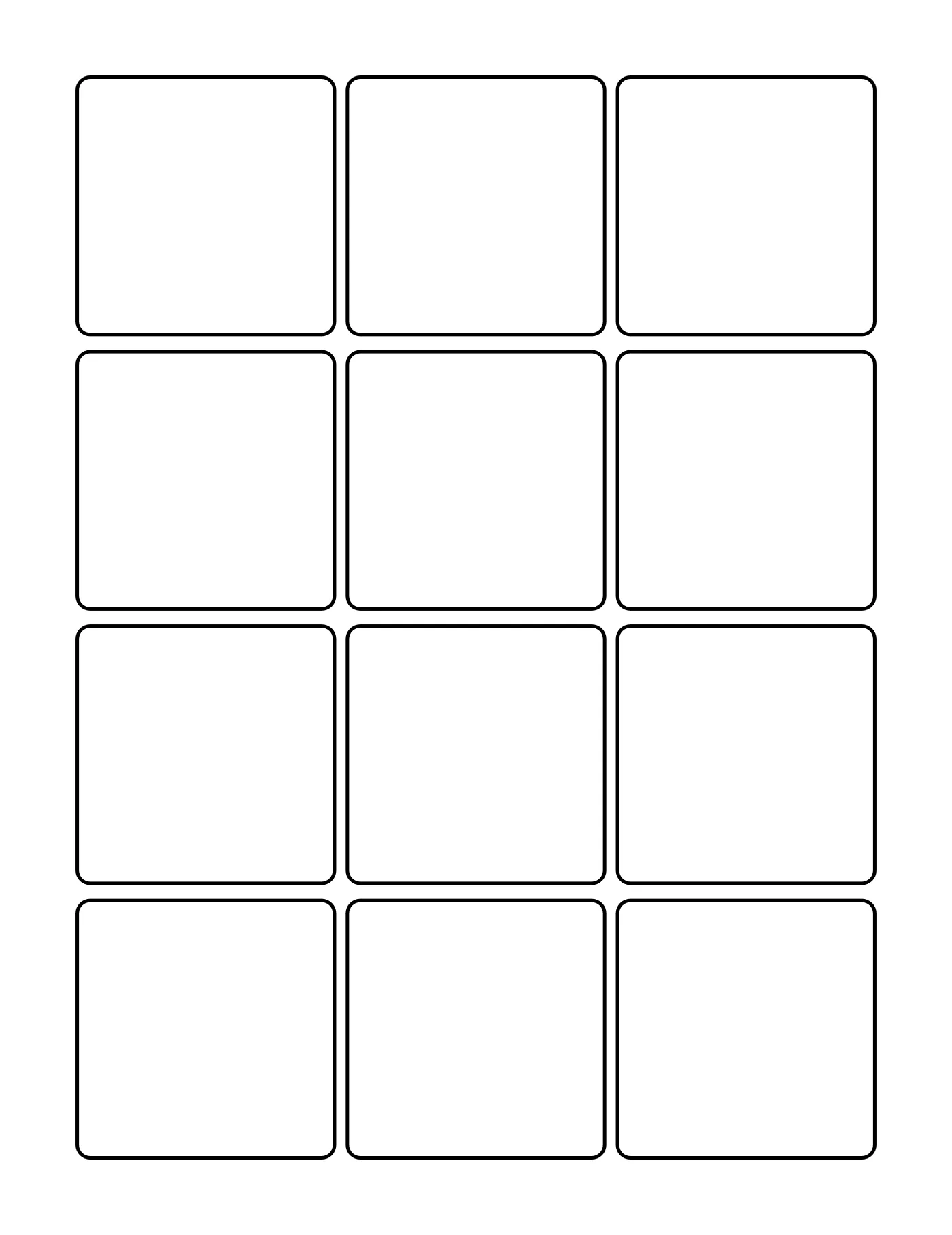
Print at 100% (actual size), never "fit to page". Printing guide · Buy OnlineLabels OL291WX sheets, Buy OnlineLabels OL1150 sheets


