Generator for SteelBook Cases
Make printable SteelBook inserts
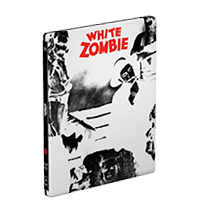
Steel Case Template Generator
Search for any movie, show or game and see what it would look like on a steel case. The layouts fit the common SteelBook G2 (Blu-ray) and G1 (DVD) sizes.
The generator lays the three parts of the case out flat: back panel, spine and front panel, with one continuous image running across all of them. You can make exterior artwork for a blank metal case, or switch to an inside layout for the interior of the case.
How to print artwork for a SteelBook case
- Search above ☝️ for a movie, TV show or game
- Open the "Layout" panel to switch to the inside
- Select Wrap bleed if you're printing on vinyl or sticker paper and want the artwork to wrap around the edges
- Export as a PDF and cut your design. Make sure to print at 100% scale
What about Slipcovers for Steelbooks?
Yes! You can make o-card slips to protect your SteelBook by using the Bluray Slipcover template, and making sure your "Layout" setting is for the Bluray SteelBook size.
Steel Case Template Features
- Layout – Customize the whole SteelBook. Click the "layout" to change Blu-ray/G2 and DVD/G1, inside and out
- Wrap bleed – In "Layout" you can select "Wrap Bleed" to do a full vinyl wrap
- Decals & Stickers – Use the "Decals" tab to add stickers, price tags and labels, AND add content ratings including MPAA (US), BBFC (UK), OFLC (Australia) and more.
- Cover Options – Select from available posters or upload your own artwork.
- Production Logos – Pull studio logos automatically or upload your own.
- Color Customization – Adjust background colors and tints to match your design.
- 3D Preview – Preview your artwork on a metal case before you print.
Why did you make this?
Several people asked me to add a way to make artwork for Blu-ray and DVD steel cases, so I spent some time researching dimensions, bought a couple of cases on eBay and built this mode.
Bonus: Free SteelBook template (PDF)
Here is a blank SteelBook template if you don't want to use the design tool above, or just want a template to edit in Photoshop, Illustrator, GIMP, etc. You can also use it to test your printer without wasting a lot of color toner or ink.
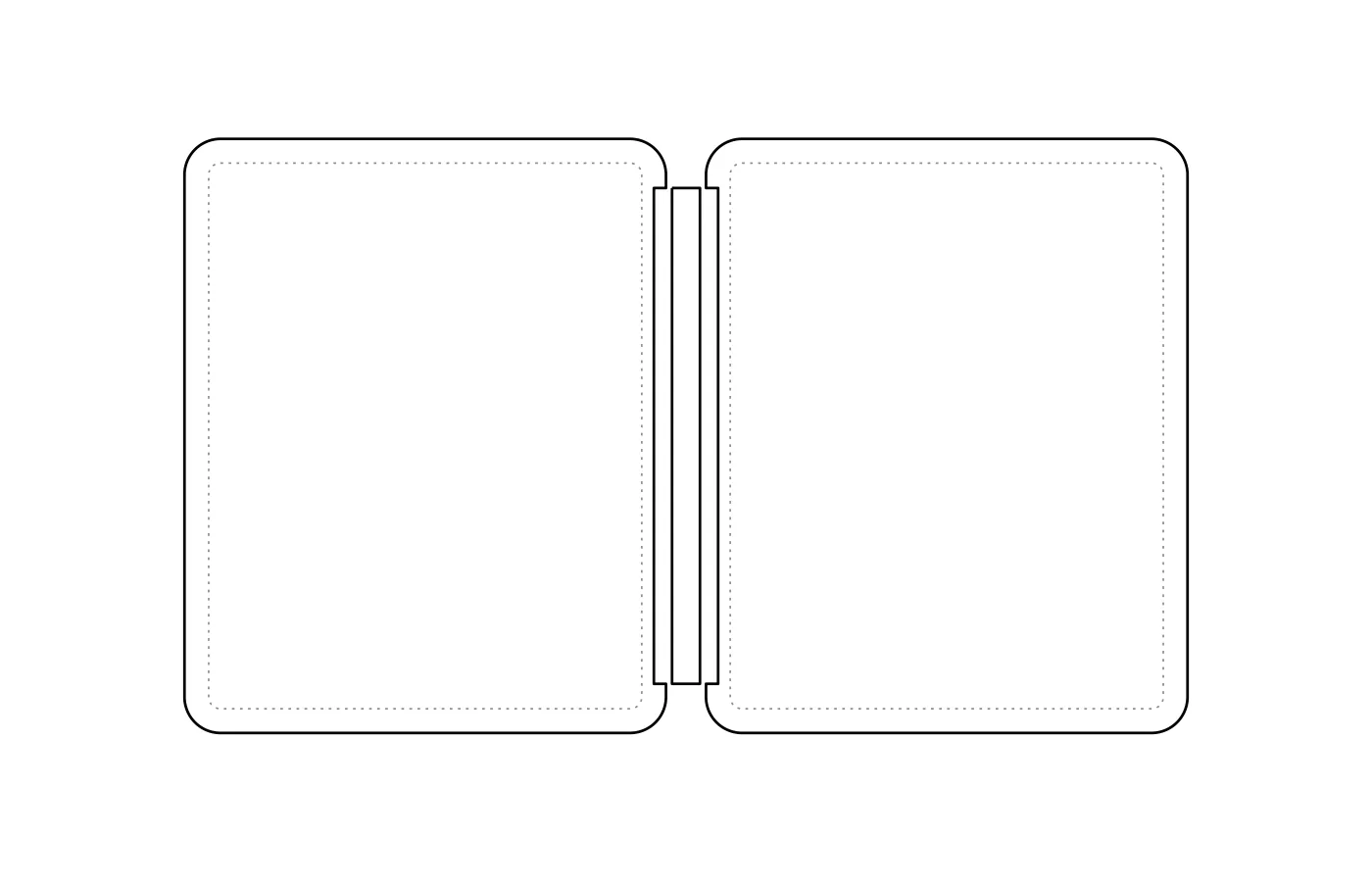
Print at 100% (actual size), never "fit to page". Printing guide


