CD Label Generator
Design printable CD disc labels

CD Label Maker
This is the easiest and fastest way to make CD labels for your albums, mixes, and music collections. Search from millions of albums and artists with automatic metadata pulled from MusicBrainz.
How to make CD Labels
- Use the Search box to choose an album or artist
- Click Export and pick Label Sheet (8.5″×11″) for the OnlineLabels OL1200 sheet
- Get some CD label paper (or cut it out yourself): OnlineLabels | Avery
- Print and cut your design. Make sure to print at 100% scale
Note that this is scaled up a little bit, so that it bleeds over the edges. That’s intentional. Avery 8692 disc labels don't have an Export row yet, so for that stock it's still Copy, then Paste & Print.

This is a generator for making print-ready CD labels. You can easily input your album or mix details, and the generator will format them into a printable CD disc label layout.
Why CDs?
Compact discs were the dominant digital music format from the late 1980s through the 2000s. They represented clarity, permanence, and ownership — a physical object you could hold, organize, and share.
Burning a CD was a ritual. You curated track order, burned at low speeds for quality, and designed a label or insert to match the mood. It was intentional and tactile in a way streaming playlists aren’t.
Why did you make this?
I made a VHS Label maker in early 2025, and after launching, several people asked me if I’d make generators for other physical formats. CDs were an obvious next step. This CD label generator is meant to reduce friction while keeping the fun part — designing, iterating, and printing something real.
Bonus: Free CD label template (PDF)
Here is a blank CD label template if you don't want to use the design tool above, or just want a template to edit in Photoshop, Illustrator, GIMP, etc. You can also use it to test your printer without wasting a lot of color toner or ink.
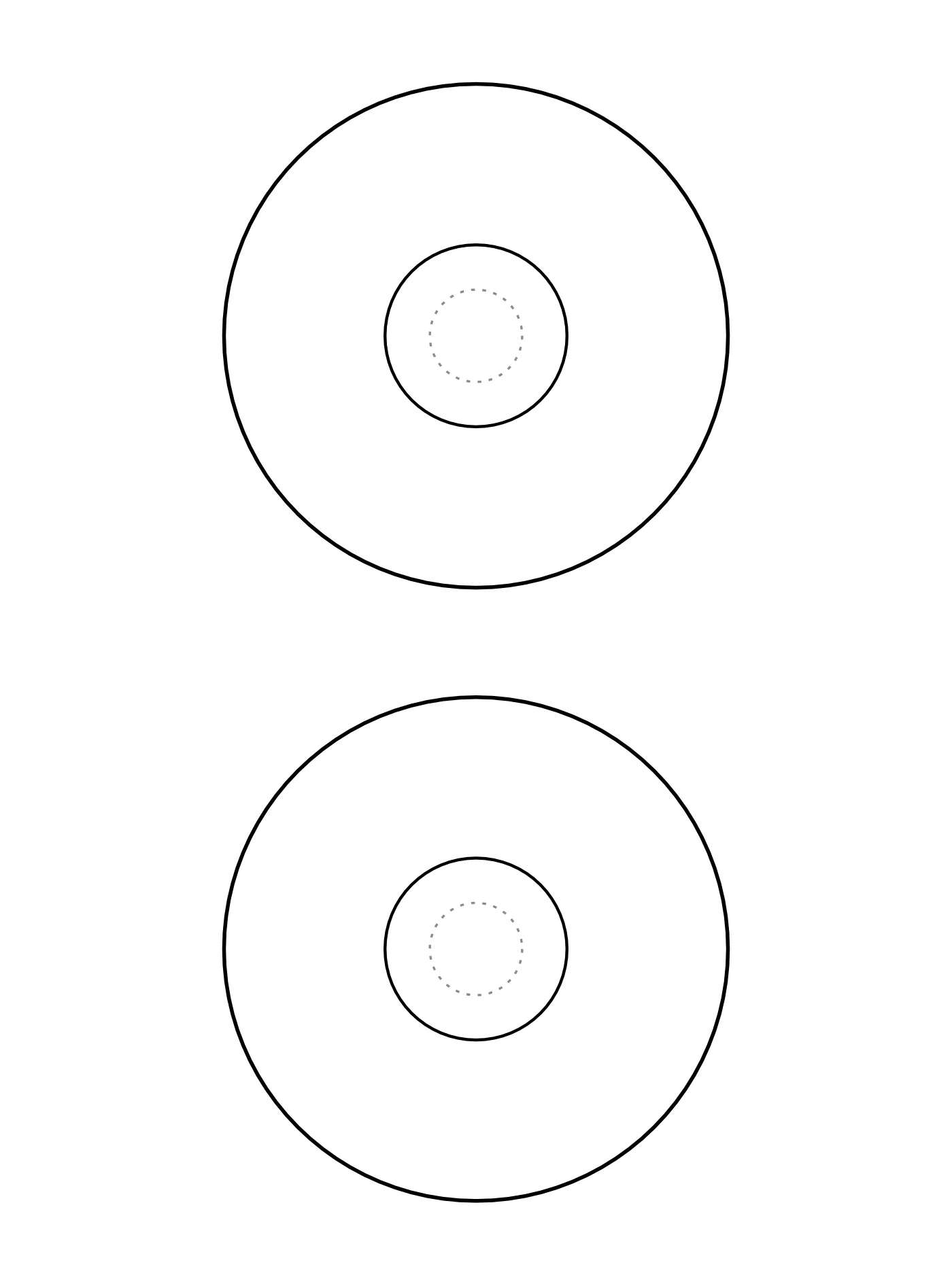
Print at 100% (actual size), never "fit to page". Printing guide · Buy OnlineLabels OL1200 sheets


